# Install librarian (if you need to)
# install.packages("librarian")
# Install (if not already present) and load needed libraries
librarian::shelf(vegan, RRPP, scatterplot3d, TeachingDemos, supportR)


librarian package makes library management much simpler
vegan package includes some lichen community composition data we can use for exploratory purposes
# Load vegan's lichen dataset
utils::data("varespec", package = 'vegan')
# Make some columns of known number of groups
treatment <- c(rep.int("Trt1", (nrow(varespec)/4)),
rep.int("Trt2", (nrow(varespec)/4)),
rep.int("Trt3", (nrow(varespec)/4)),
rep.int("Trt4", (nrow(varespec)/4)))
# And combine them into a single data object
lichen_df <- cbind(treatment, varespec)'data.frame': 24 obs. of 45 variables:
$ treatment: chr "Trt1" "Trt1" "Trt1" "Trt1" ...
$ Callvulg : num 0.55 0.67 0.1 0 0 ...
$ Empenigr : num 11.13 0.17 1.55 15.13 12.68 ...
$ Rhodtome : num 0 0 0 2.42 0 0 1.55 0 0.35 0.07 ...
$ Vaccmyrt : num 0 0.35 0 5.92 0 ...
$ Vaccviti : num 17.8 12.1 13.5 16 23.7 ...
$ Pinusylv : num 0.07 0.12 0.25 0 0.03 0.12 0.1 0.1 0.05 0.12 ...
$ Descflex : num 0 0 0 3.7 0 0.02 0.78 0 0.4 0 ...
$ Betupube : num 0 0 0 0 0 0 0.02 0 0 0 ...
$ Vacculig : num 1.6 0 0 1.12 0 0 2 0 0.2 0 ...
$ Diphcomp : num 2.07 0 0 0 0 0 0 0 0 0.07 ...
$ Dicrsp : num 0 0.33 23.43 0 0 ...
$ Dicrfusc : num 1.62 10.92 0 3.63 3.42 ...
$ Dicrpoly : num 0 0.02 1.68 0 0.02 0.02 0 0.23 0.2 0 ...
$ Hylosple : num 0 0 0 6.7 0 0 0 0 9.97 0 ...
$ Pleuschr : num 4.67 37.75 32.92 58.07 19.42 ...
$ Polypili : num 0.02 0.02 0 0 0.02 0.02 0 0 0 0 ...
$ Polyjuni : num 0.13 0.23 0.23 0 2.12 1.58 0 0.02 0.08 0.02 ...
$ Polycomm : num 0 0 0 0.13 0 0.18 0 0 0 0 ...
$ Pohlnuta : num 0.13 0.03 0.32 0.02 0.17 0.07 0.1 0.13 0.07 0.03 ...
$ Ptilcili : num 0.12 0.02 0.03 0.08 1.8 0.27 0.03 0.1 0.03 0.25 ...
$ Barbhatc : num 0 0 0 0.08 0.02 0.02 0 0 0 0.07 ...
$ Cladarbu : num 21.73 12.05 3.58 1.42 9.08 ...
$ Cladrang : num 21.47 8.13 5.52 7.63 9.22 ...
$ Cladstel : num 3.5 0.18 0.07 2.55 0.05 ...
$ Cladunci : num 0.3 2.65 8.93 0.15 0.73 0.25 2.38 0.82 0.05 0.95 ...
$ Cladcocc : num 0.18 0.13 0 0 0.08 0.1 0.17 0.15 0.02 0.17 ...
$ Cladcorn : num 0.23 0.18 0.2 0.38 1.42 0.25 0.13 0.05 0.03 0.05 ...
$ Cladgrac : num 0.25 0.23 0.48 0.12 0.5 0.18 0.18 0.22 0.07 0.23 ...
$ Cladfimb : num 0.25 0.25 0 0.1 0.17 0.1 0.2 0.22 0.1 0.18 ...
$ Cladcris : num 0.23 1.23 0.07 0.03 1.78 0.12 0.2 0.17 0.02 0.57 ...
$ Cladchlo : num 0 0 0.1 0 0.05 0.05 0.02 0 0 0.02 ...
$ Cladbotr : num 0 0 0.02 0.02 0.05 0.02 0 0 0.02 0.07 ...
$ Cladamau : num 0.08 0 0 0 0 0 0 0 0 0 ...
$ Cladsp : num 0.02 0 0 0.02 0 0 0.02 0.02 0 0.07 ...
$ Cetreric : num 0.02 0.15 0.78 0 0 0 0.02 0.18 0 0.18 ...
$ Cetrisla : num 0 0.03 0.12 0 0 0 0 0.08 0.02 0.02 ...
$ Flavniva : num 0.12 0 0 0 0.02 0.02 0 0 0 0 ...
$ Nepharct : num 0.02 0 0 0 0 0 0 0 0 0 ...
$ Stersp : num 0.62 0.85 0.03 0 1.58 0.28 0 0.03 0.02 0.03 ...
$ Peltapht : num 0.02 0 0 0.07 0.33 0 0 0 0 0.02 ...
$ Icmaeric : num 0 0 0 0 0 0 0 0.07 0 0 ...
$ Cladcerv : num 0 0 0 0 0 0 0 0 0 0 ...
$ Claddefo : num 0.25 1 0.33 0.15 1.97 0.37 0.15 0.67 0.08 0.47 ...
$ Cladphyl : num 0 0 0 0 0 0 0 0 0 0 ...
RRPP package to use permutation analysis
RRPP does require a special class of data object to perform analysisiter argument is the number of permutationsRRPP argument is whether to permute residuals (TRUE) or the full data (FALSE)anova function
Analysis of Variance, using Residual Randomization
Permutation procedure: Randomization of null model residuals
Number of permutations: 1000
Estimation method: Ordinary Least Squares
Sums of Squares and Cross-products: Type I
Effect sizes (Z) based on F distributions
Df SS MS Rsq F Z Pr(>F)
treatment 3 19602 6533.9 0.46682 5.8369 3.655 0.001 ***
Residuals 20 22388 1119.4 0.53318
Total 23 41990
---
Signif. codes: 0 '***' 0.001 '**' 0.01 '*' 0.05 '.' 0.1 ' ' 1
Call: RRPP::lm.rrpp(f1 = community ~ treatment, iter = 999, RRPP = T,
data = lichen_rpdf)
Z column is the “Z score” and is essentially the effect size
Pairwise comparisons
Groups: Trt1 Trt2 Trt3 Trt4
RRPP: 1000 permutations
LS means:
Vectors hidden (use show.vectors = TRUE to view)
Pairwise distances between means, plus statistics
d UCL (95%) Z Pr > d
Trt1:Trt2 16.48128 39.64863 -0.7289177 0.760
Trt1:Trt3 38.04299 40.10757 1.5478150 0.067
Trt1:Trt4 59.41369 38.99550 2.9255939 0.001
Trt2:Trt3 37.15261 38.01919 1.5148939 0.063
Trt2:Trt4 62.40360 39.28595 3.0093479 0.001
Trt3:Trt4 50.44284 40.37863 2.2553908 0.005
List of 6
$ sdev : num [1:24] 31.35 21.55 11.5 8.6 6.96 ...
$ rotation : num [1:44, 1:24] -0.01399 0.01566 -0.00646 -0.05168 0.00858 ...
..- attr(*, "dimnames")=List of 2
.. ..$ : chr [1:44] "Callvulg" "Empenigr" "Rhodtome" "Vaccmyrt" ...
.. ..$ : chr [1:24] "PC1" "PC2" "PC3" "PC4" ...
$ center : Named num [1:44] 1.88 6.33 0.35 2.11 11.46 ...
..- attr(*, "names")= chr [1:44] "Callvulg" "Empenigr" "Rhodtome" "Vaccmyrt" ...
$ scale : logi FALSE
$ x : num [1:24, 1:24] -10.8 -27.8 -25.7 -31.8 -19.6 ...
..- attr(*, "dimnames")=List of 2
.. ..$ : chr [1:24] "18" "15" "24" "27" ...
.. ..$ : chr [1:24] "PC1" "PC2" "PC3" "PC4" ...
$ importance: num [1:3, 1:24] 31.352 0.538 0.538 21.548 0.254 ...
..- attr(*, "dimnames")=List of 2
.. ..$ : chr [1:3] "Standard deviation" "Proportion of Variance" "Cumulative Proportion"
.. ..$ : chr [1:24] "PC1" "PC2" "PC3" "PC4" ...
- attr(*, "class")= chr "summary.prcomp"
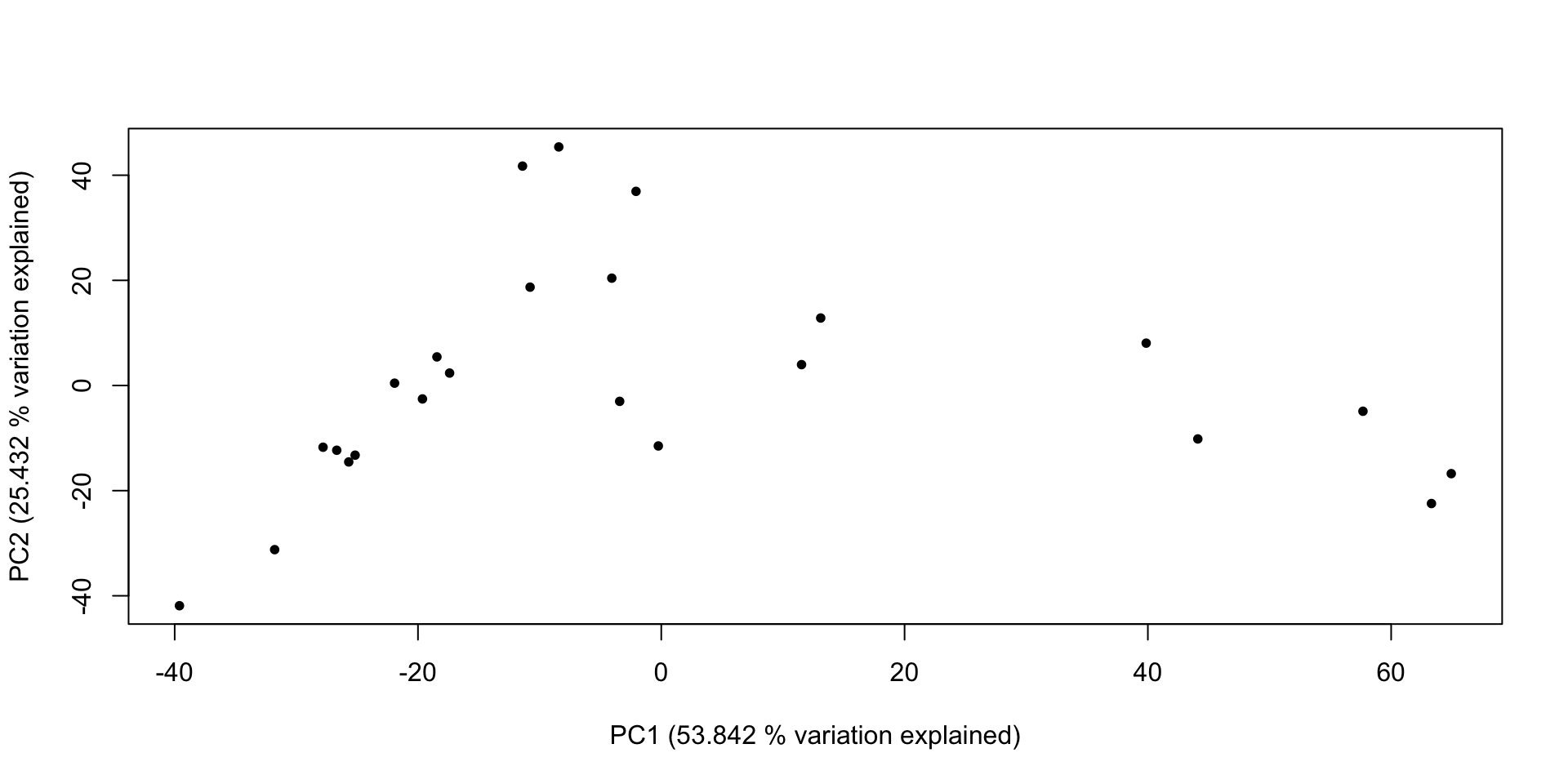
# With that done, we can make a graph of that information!
plot(x = lich_pc$x[,1], y = lich_pc$x[,2], pch = 20,
## And do some fancy axis labels to get 'variation explained' in the plot
xlab = paste0("PC1 (", (lich_pc_smry$importance[2, 1] * 100), " % variation explained)"),
ylab = paste0("PC2 (", (lich_pc_smry$importance[2, 2] * 100), " % variation explained)"))
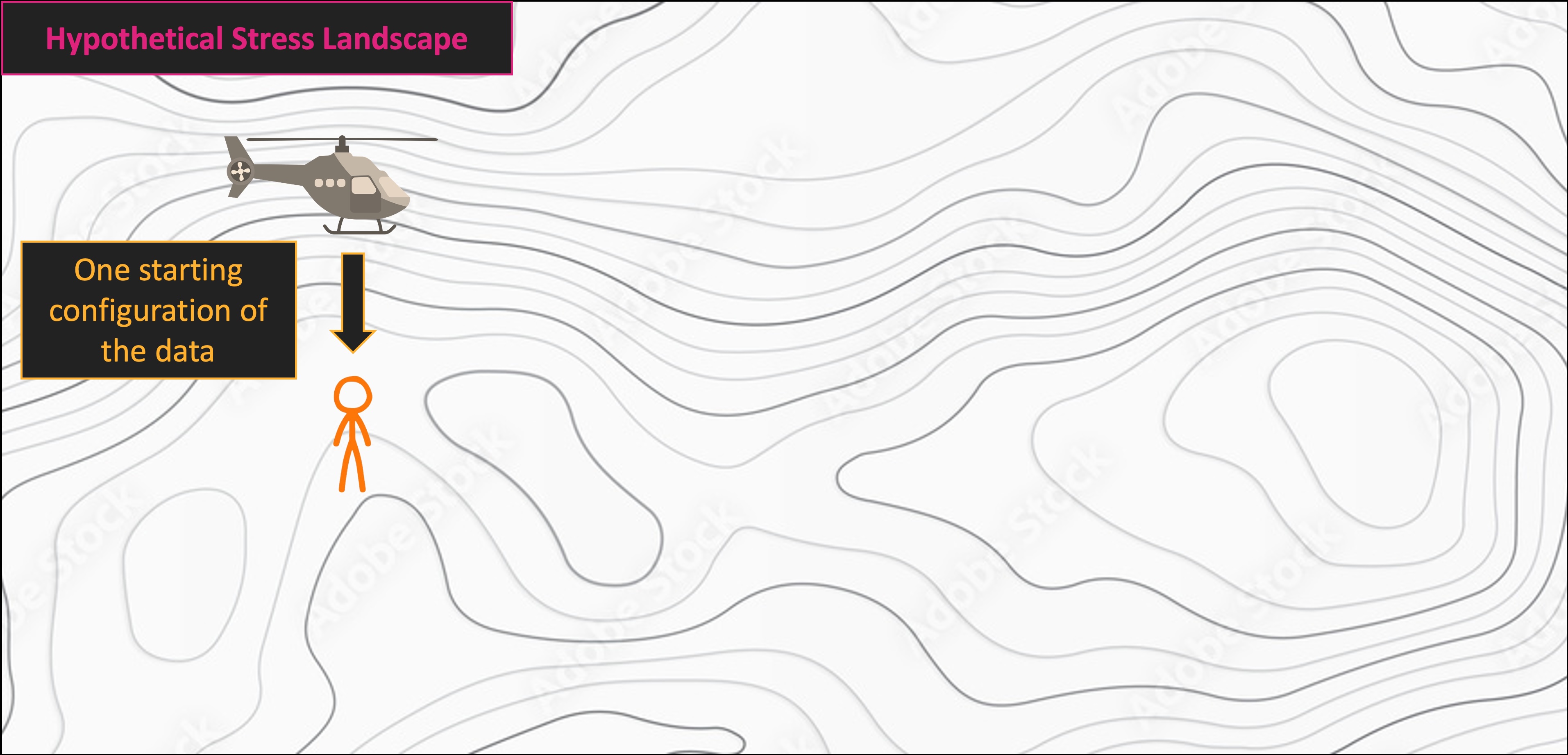
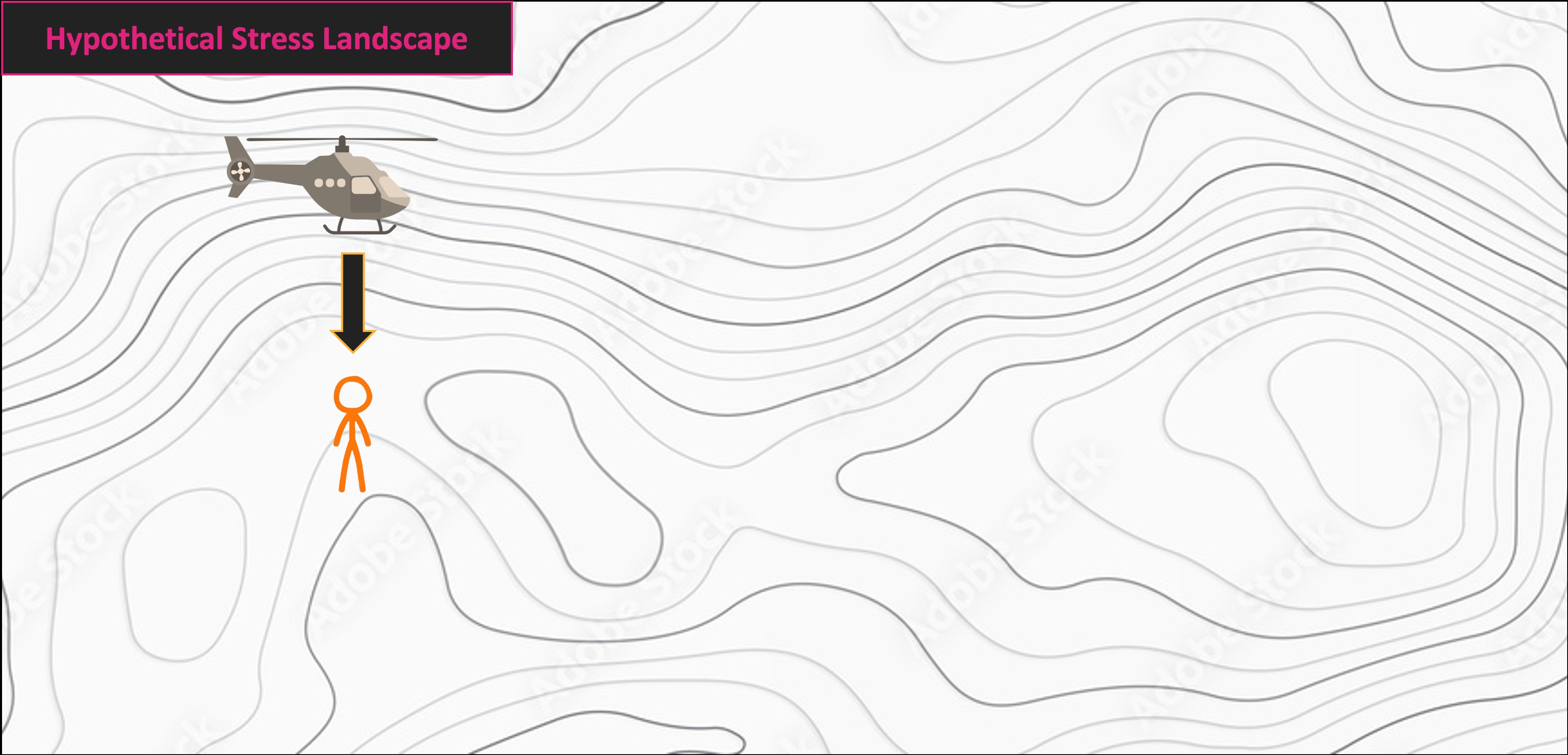
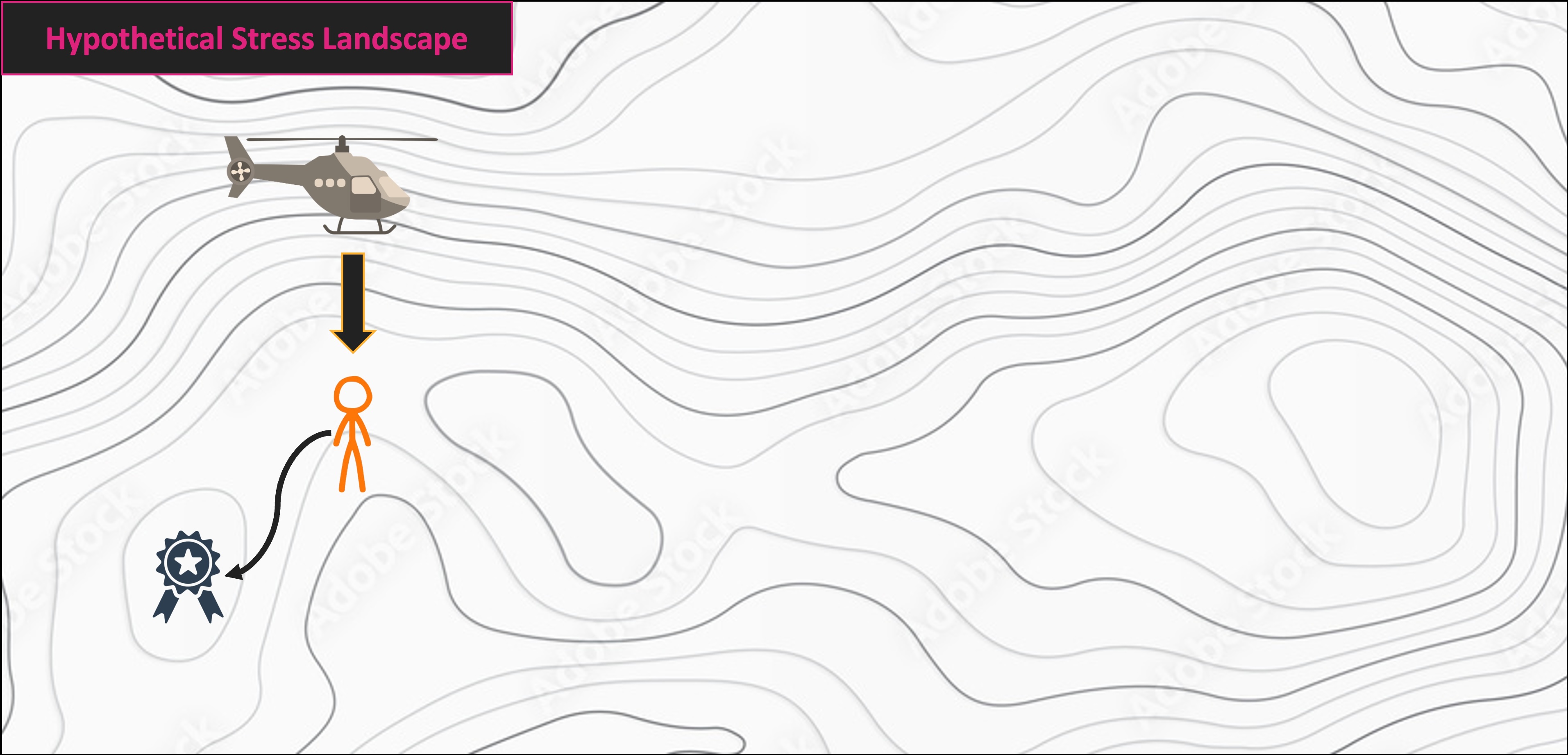
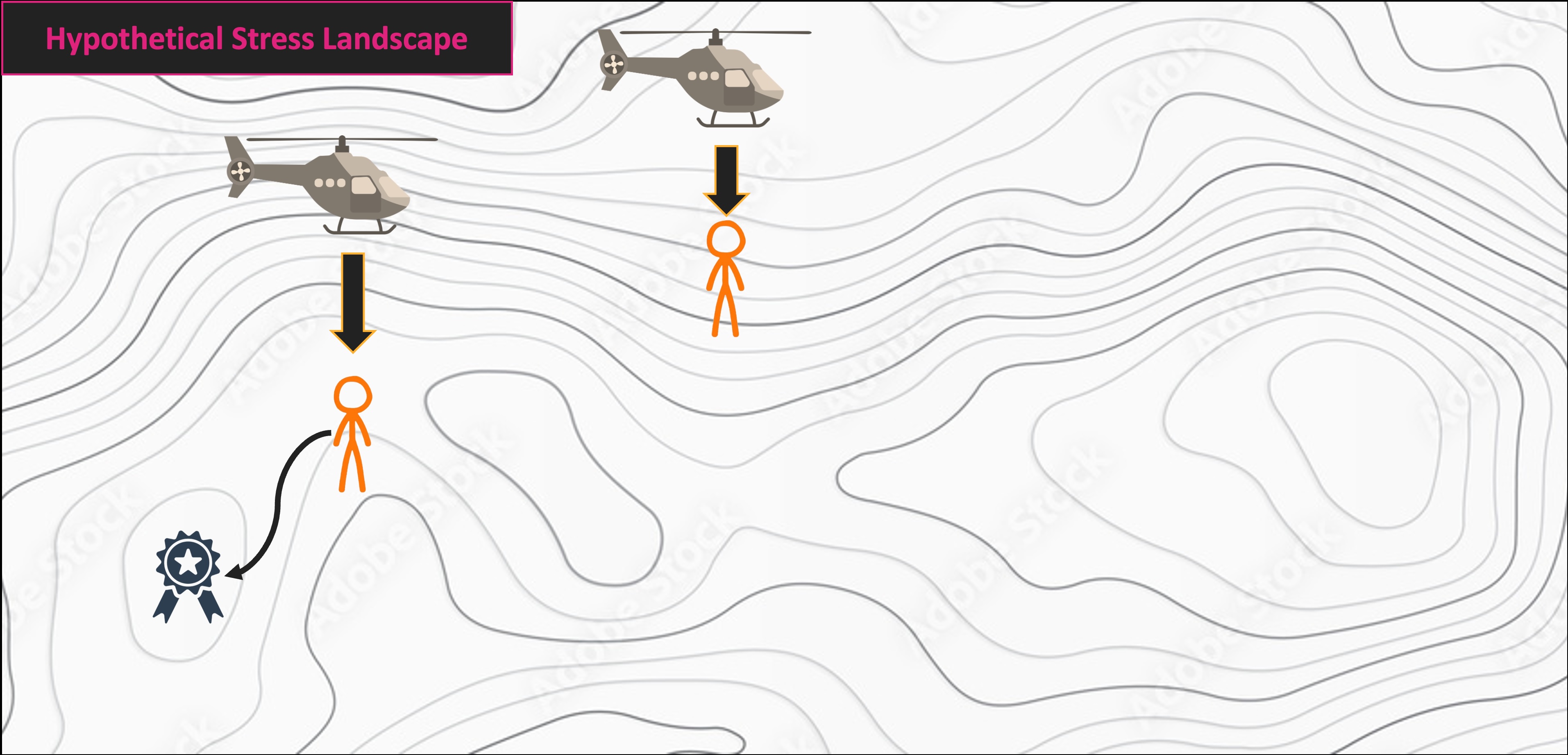
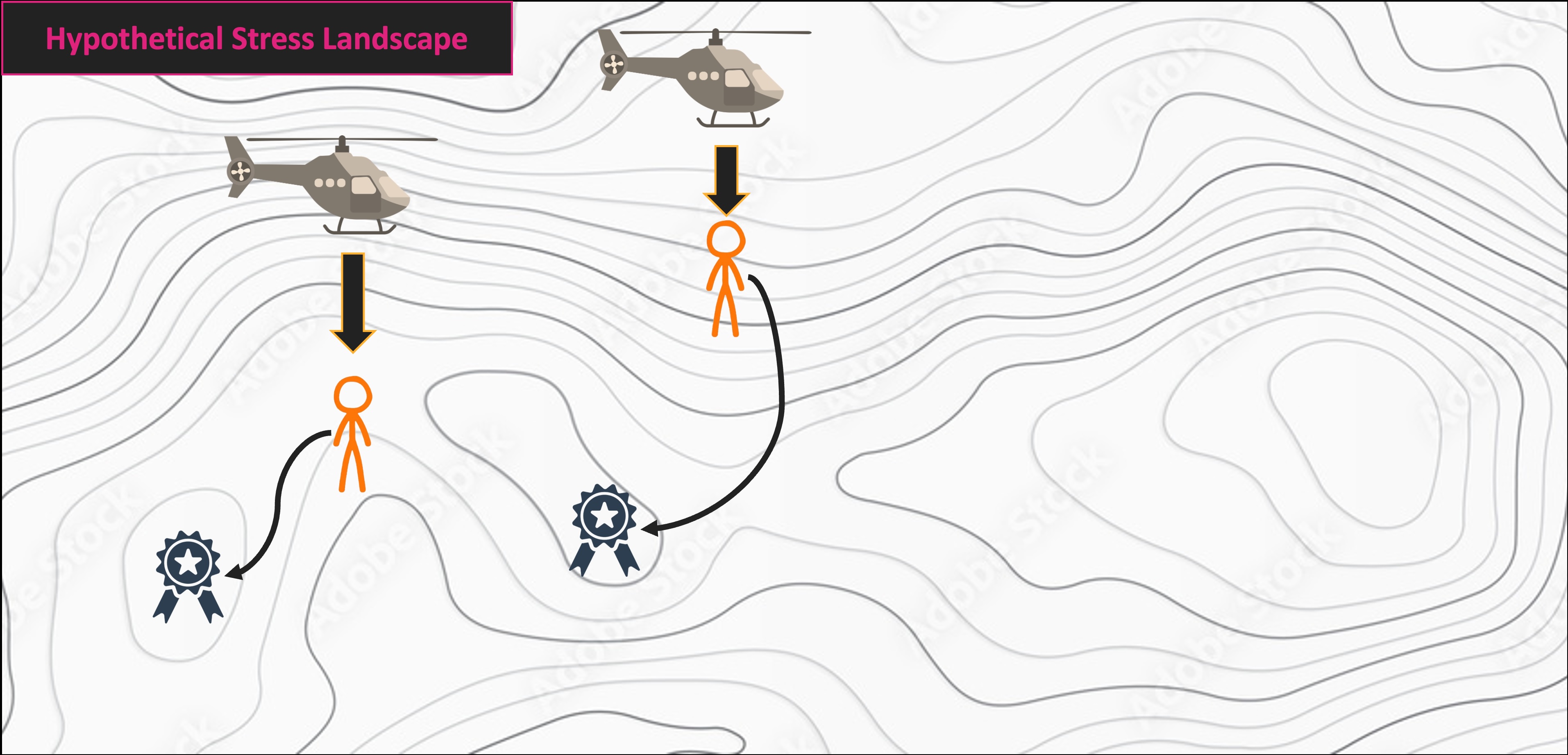
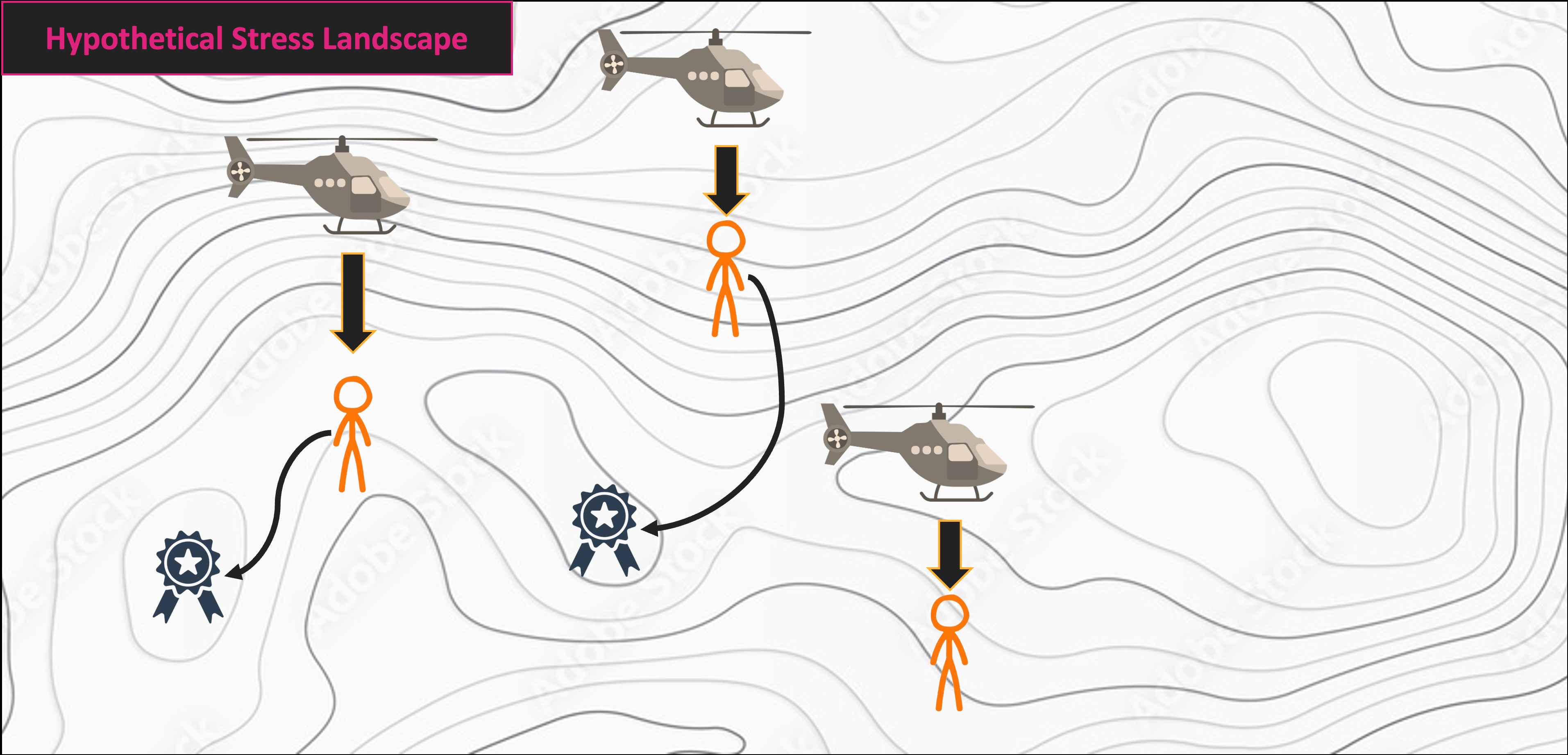
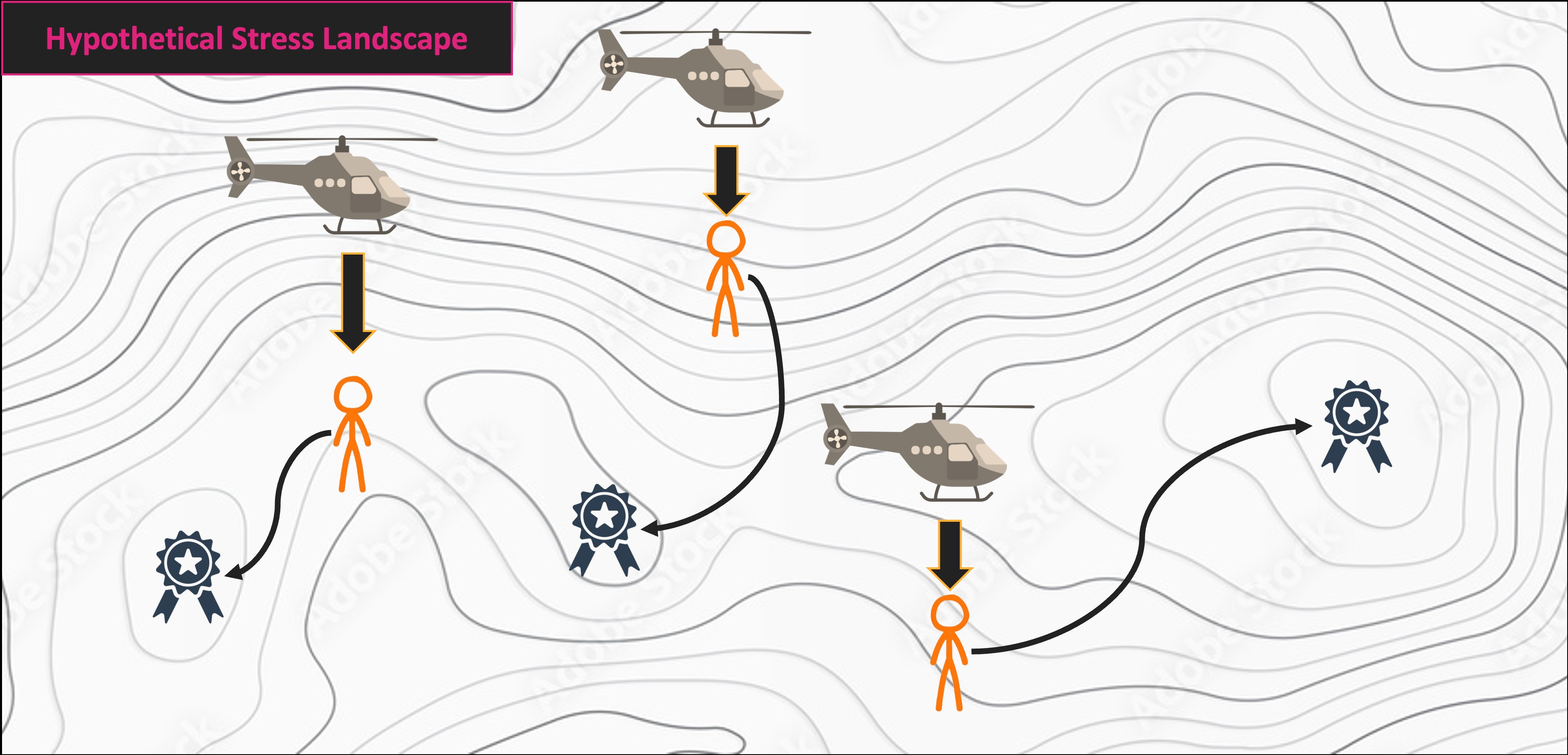
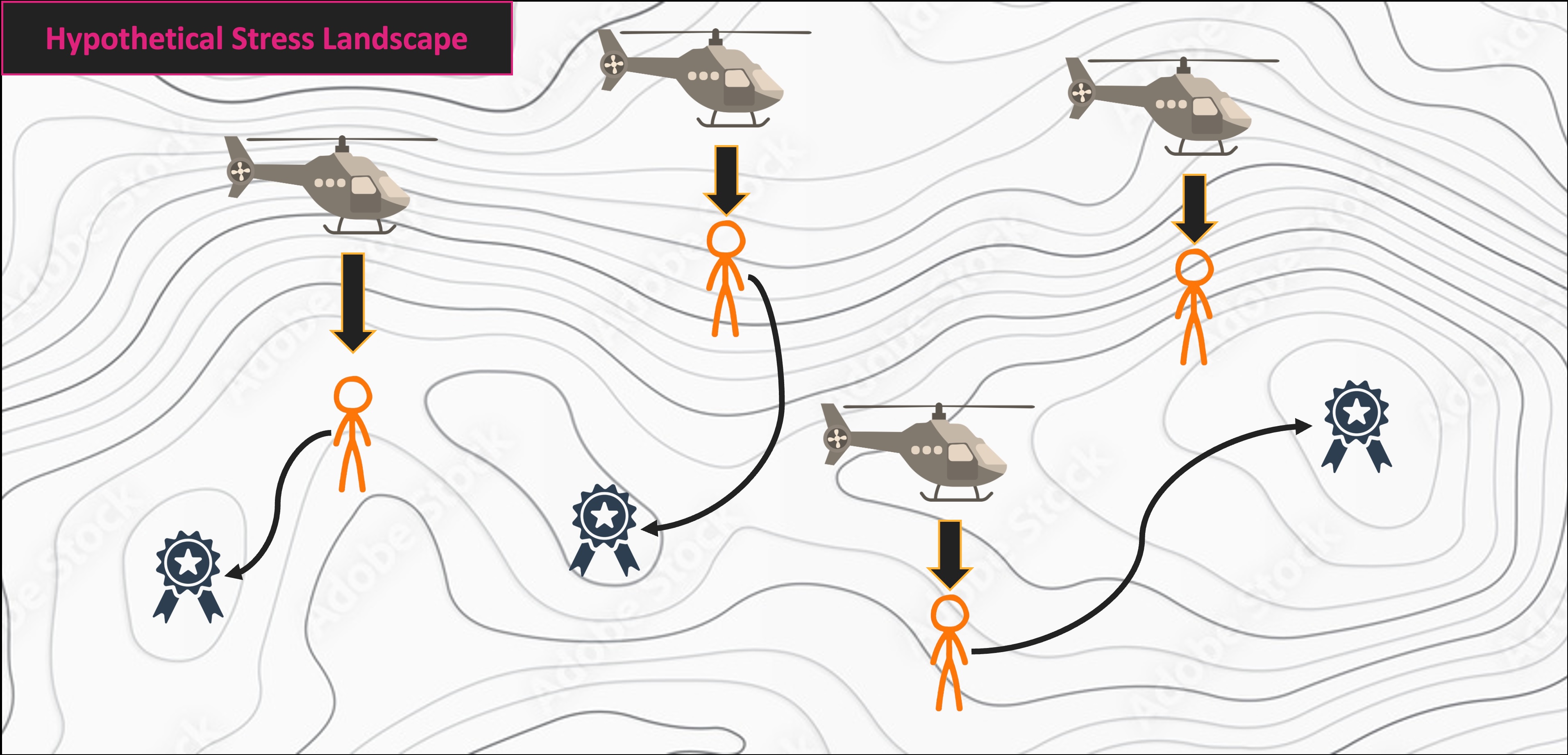
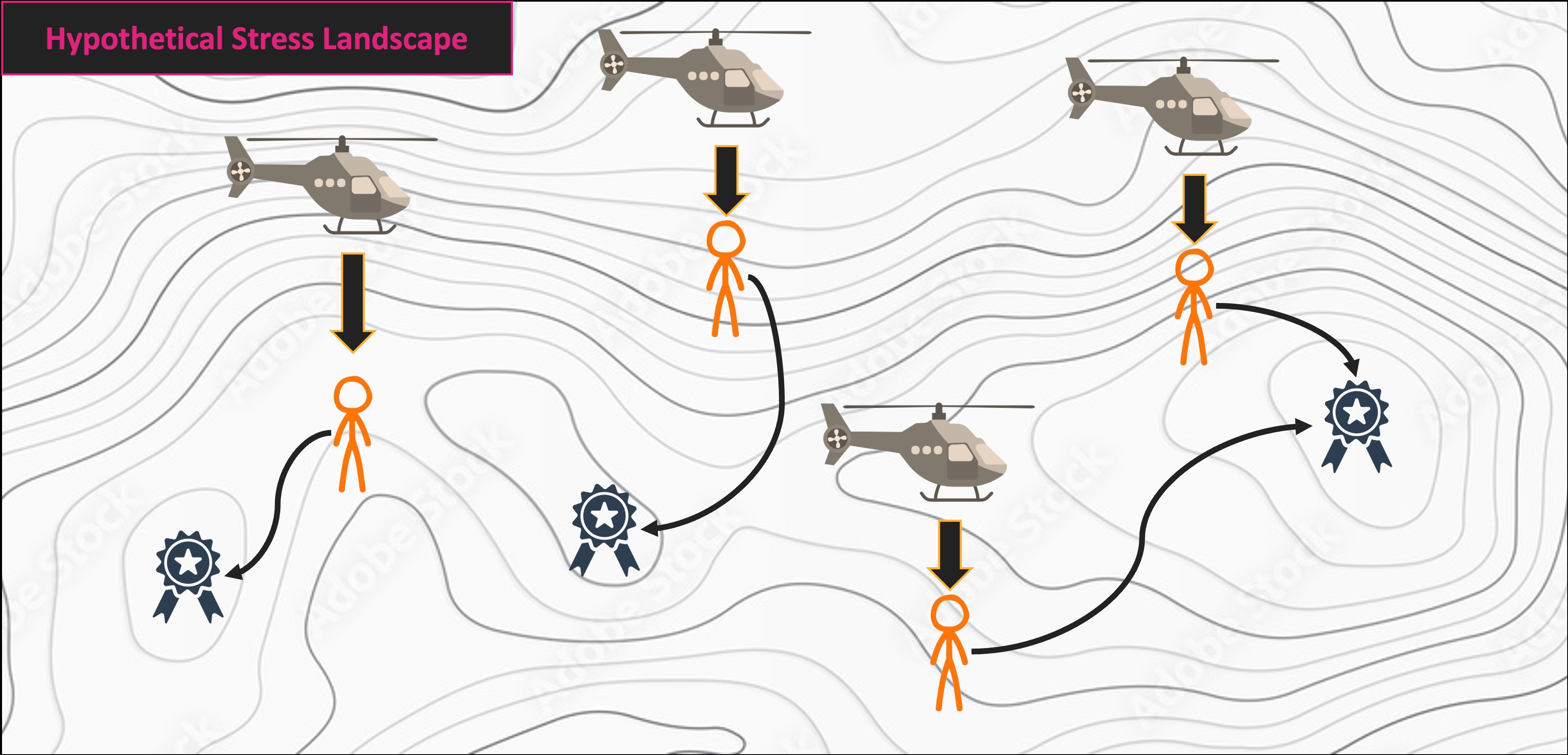
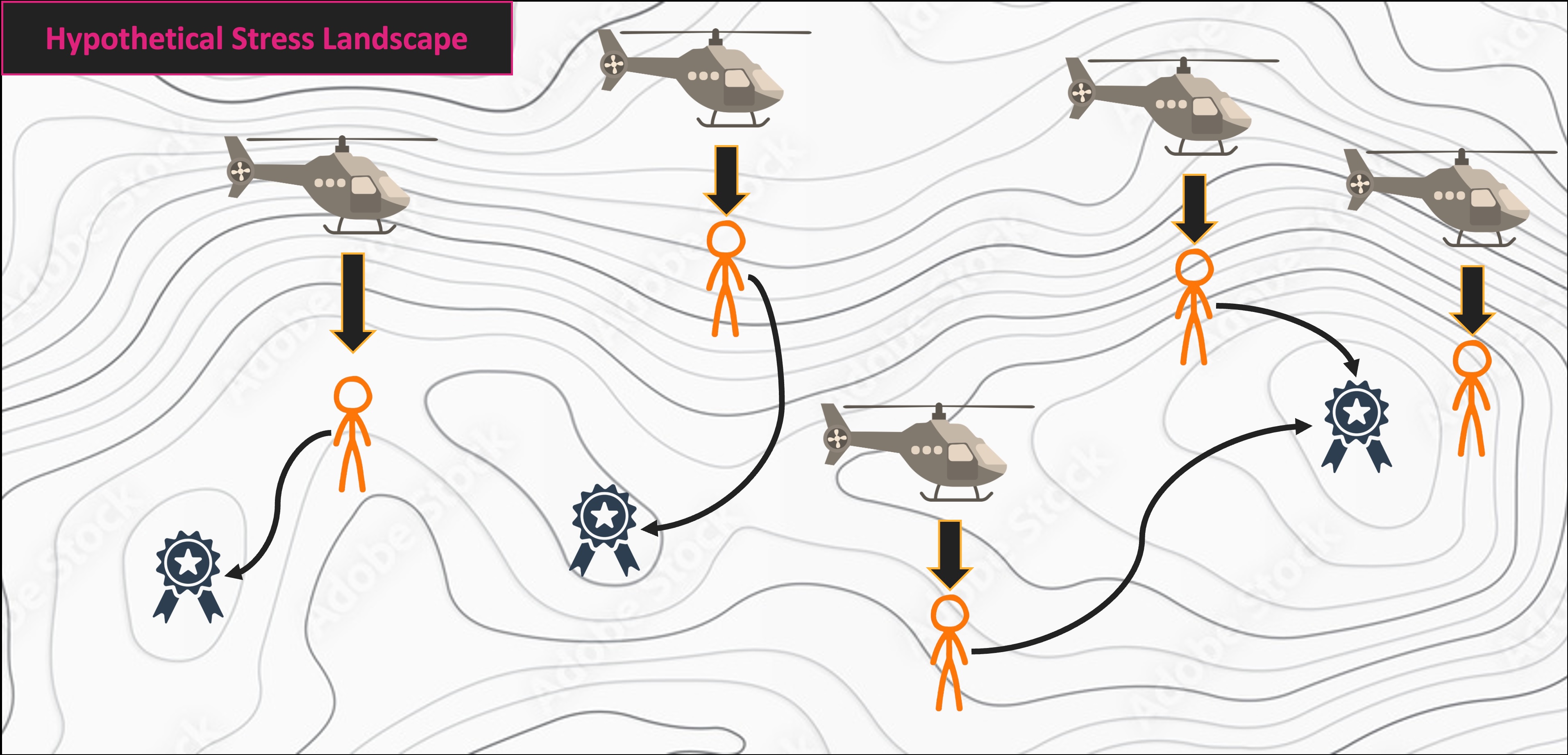
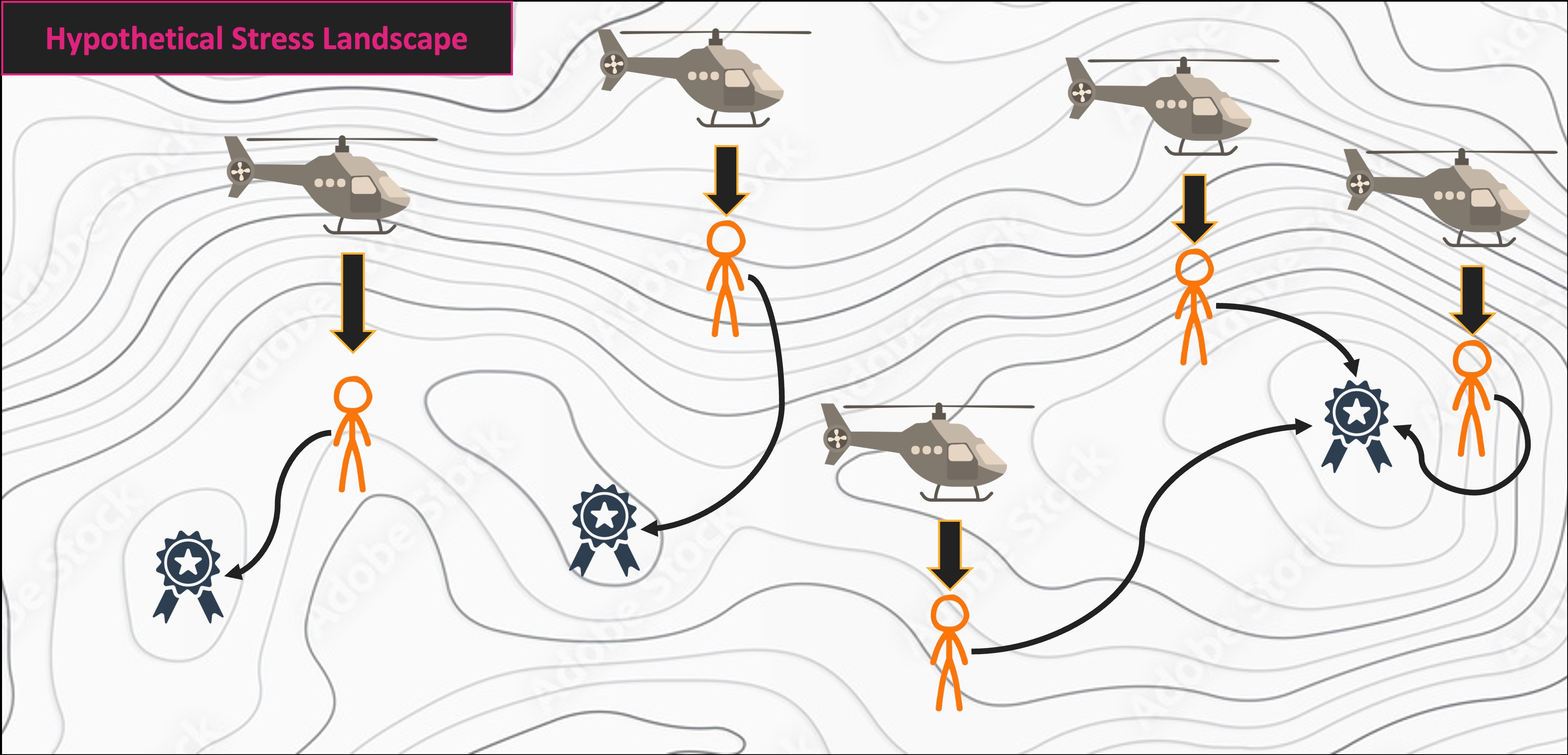
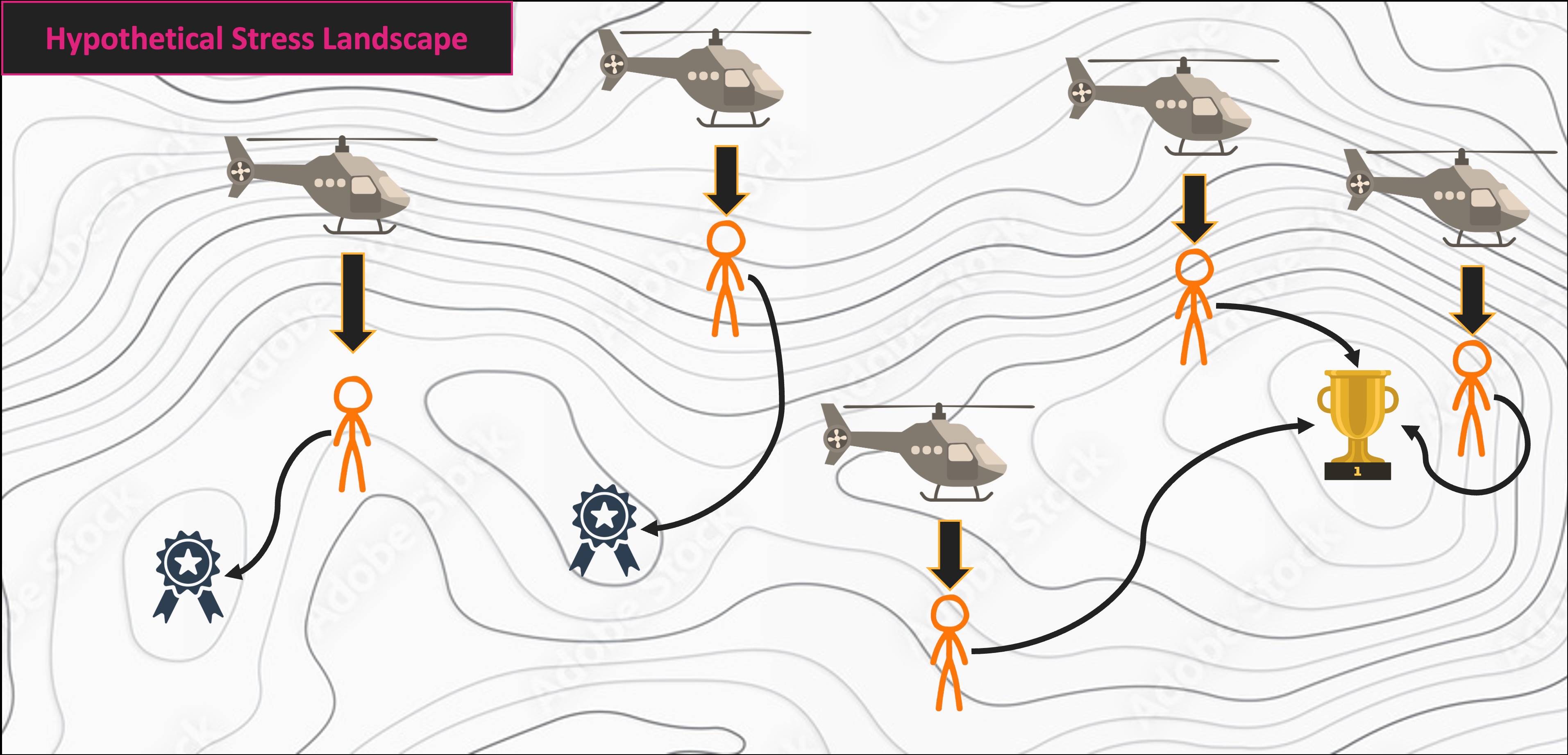
distance is your preferred metric for dissimilarityk is the number of axes to scale to (typically 2 for standard plotting)try is the number of starting data configurations (remember the helicopter analogy!)supportR package to make the graph